Canva Magic Studio
End-to-end visual design suite supercharged with generative design, editing, and content conversion tools.
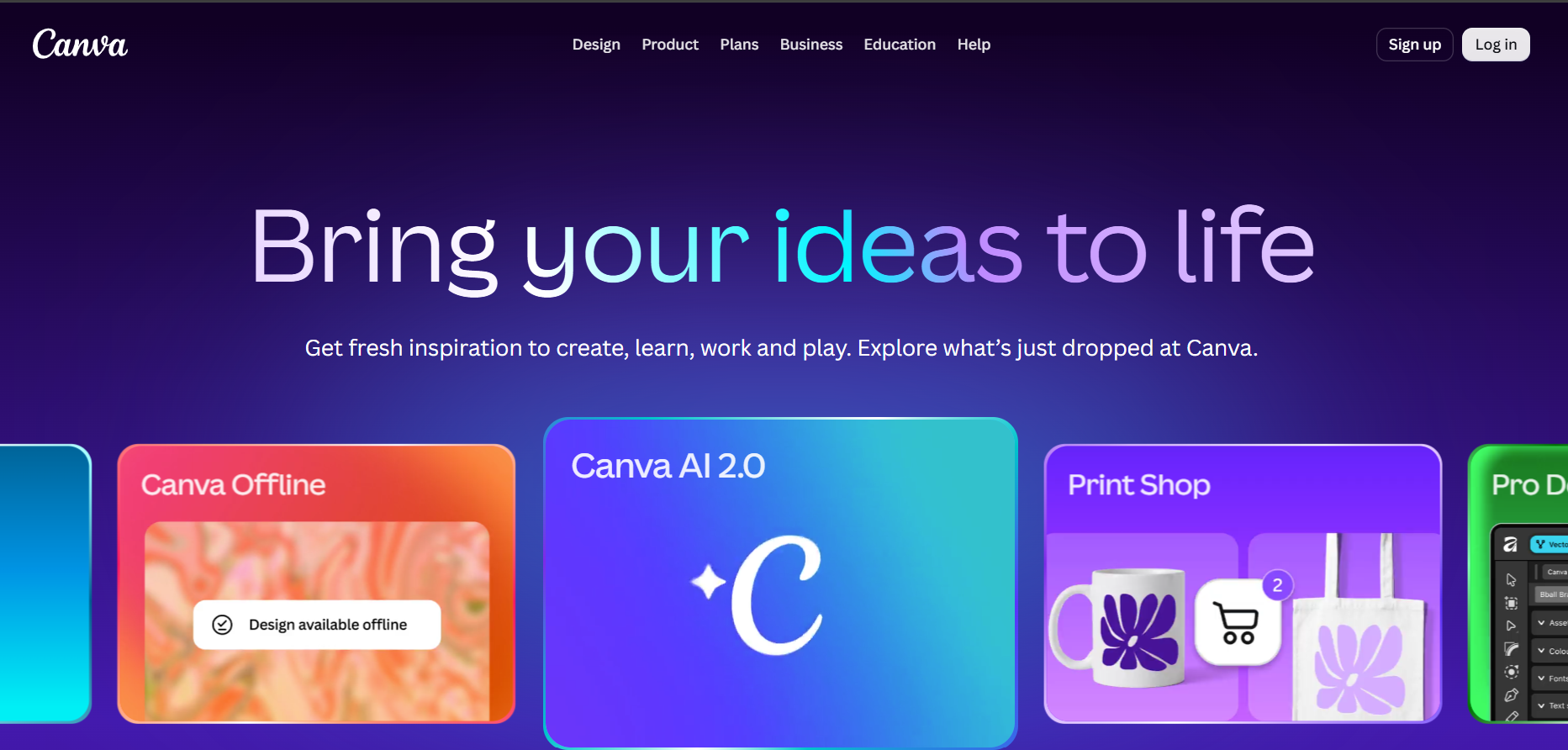
Overview & Architecture
Canva Magic Studio is an integrated suite of generative creative tools embedded within Canva’s visual collaboration platform. Utilizing multimodal image models, generative inpainting, and large language models, it allows users to convert written prompts into full slide decks, social graphics, and promotional videos in seconds. The suite excels by combining one-click image manipulations—like Magic Eraser, Magic Grab, and Background Remover—with multi-format repurposing that transforms designs into blogs, summaries, or foreign-language assets instantly.
Real-World Use Cases
Converting Presentation Decks into Social Posts and Blogs
Uses Magic Switch to instantaneously reformat a 10-slide landscape presentation into vertical Instagram stories, a written summary, and translated foreign posts.
Isolating & Repositioning Graphic Elements in Photos
Leverages Magic Grab to select and move the subject of any photo as an editable sticker, adjusting layouts without manual vector masking.
Drafting Branded Multi-Slide Decks from a Single Prompt
Generates a cohesive 8-to-10 slide presentation complete with custom layouts, typography, stock photos, and bulleted copy based on a brief topic description.
Key Features
- Magic Design generates coordinated presentations, videos, and social graphics from short text briefs
- Magic Switch reformats and translates existing designs into different aspect ratios and document types
- Magic Grab and Magic Eraser isolate, move, resize, or eliminate elements from raster photos effortlessly
- Magic Media text-to-image and text-to-video generation engines powered by state-of-the-art visual models
- Magic Write integrated text generator for drafting marketing copy, headlines, and social captions
- Brand Kit AI integration auto-applying company logos, brand palettes, and typography presets across generated assets
Strengths
- • Bridges the gap between raw generative AI output and immediate drag-and-drop graphic editing
- • Vastly accelerates the repurposing cycle for creators working across multiple social formats
- • Extremely gentle learning curve accessible to non-technical users and creative beginners
Limitations
- • Generative text-to-image results can occasionally display minor visual artifacts or anatomical distortions
- • The best workflow automation tools (Magic Switch, Background Remover) are locked behind Canva Pro
Pricing Overview
Free plan includes basic templates, design tools, and a limited quota of AI generations. Canva Pro starts at $14.99/month (or $119.99/year), unlocking unlimited Magic Switch transformations, background removals, premium assets, and expanded AI generation credits.
Best Suited For
Social media managers, small business owners, non-designer creators, and educators seeking professional visual marketing assets without using complex software like Photoshop.